feat: render expanded chart at native resolution and add pinch-zoom via MultiGestureCanvas - #97698
Conversation


…ia MultiGestureCanvas

Codecov Report✅ Changes either increased or maintained existing code coverage, great job!
|
 abbasifaizan70
changed the title
abbasifaizan70
changed the title
…70/Expensify into 92969-followup-zoom


![chatgpt-codex-connector[bot]](https://avatars.githubusercontent.com/in/1144995?s=60&v=4)

There was a problem hiding this comment.
💡 Codex Review
Here are some automated review suggestions for this pull request.
Reviewed commit: 24d931aac7
ℹ️ About Codex in GitHub
Codex has been enabled to automatically review pull requests in this repo. Reviews are triggered when you
- Open a pull request for review
- Mark a draft as ready
- Comment "@codex review".
If Codex has suggestions, it will comment; otherwise it will react with 👍.
When you sign up for Codex through ChatGPT, Codex can also answer questions or update the PR, like "@codex address that feedback".
![github-actions[bot]](https://avatars.githubusercontent.com/in/15368?s=60&v=4)
…width) in expanded charts
…high-res, let MultiGestureCanvas own all transforms


Reviewer Checklist
Screenshots/VideosAndroid: HybridAppandroid.movAndroid: mWeb Chromemchrome.moviOS: HybridAppios.moviOS: mWeb Safarimsafari.movMacOS: Chrome / Safariweb.mov |

|
@situchan how's review going? |

|
@situchan any updates on the review? |

|
@situchan Quick note on the new victory-native patch, since it's a judgment call I'd like your view on. The two close bugs conflict: keeping the WebGL canvas mounted during the close animation causes the white flash, while unmounting it causes the blank card you reported. The clean fix is to render the expanded chart as a static bitmap via Skia's __destroyWebGLContextAfterRender, but victory-native doesn't expose its props — hence the small patch (a canvasProps passthrough, JS-only, no native changes). If you'd rather avoid a patch, the alternatives are: (a) restore the isVisible gate and accept the brief blank card on close, or (b) make the close animation near-instant so neither shows. Both are compromises; the patch is the only one that fixes both properly. Happy to switch if you prefer one of those. |
|
Do you think the patch in #100714 fixes that bug or nothing related? |
|
@situchan I don't think so — |
|
@situchan After adding the patch I rebuilt Android locally and re-tested everything end to end — double-tap now stops at the render cap, a small pinch after that no longer snaps back, swipe-down closes the modal, and closing shows no blank or flash. Demo videos attached below. If you still think any improvement, let me know i will take care for that. Screen_Recording_20260911_182050_New.Expensify.Dev.mp4Screen.Recording.2026-09-11.at.6.24.42_PM-compressed.mp4 |
|
@situchan how's review going? |
|
@situchan any updates on this one? |

| // On double tap the content should be zoomed to fill, but at least zoomed by DOUBLE_TAP_SCALE | ||
| const doubleTapScale = useMemo(() => Math.max(DOUBLE_TAP_SCALE, maxContentScale / minContentScale), [maxContentScale, minContentScale]); | ||
| // On double tap the content should be zoomed to fill, but at least zoomed by DOUBLE_TAP_SCALE — never past the allowed zoom range | ||
| const doubleTapScale = useMemo(() => Math.min(zoomRange.max, Math.max(DOUBLE_TAP_SCALE, maxContentScale / minContentScale)), [maxContentScale, minContentScale, zoomRange.max]); |

There was a problem hiding this comment.
@MelvinBot this is global change. Won't this cause any regression on normal image attachment viewer?
i.e. double-tap might no longer fills for extreme-aspect images

There was a problem hiding this comment.
Good instinct, but no — not for any realistic image. The clamp only bites when double-tap-to-fill would need more than 20× zoom, and the attachment viewer never gets close.
doubleTapScale is maxContentScale / minContentScale, and getCanvasFitScale clamps both scales to ≤ 1. So fill > 20 requires the fitted image to render at under 1/20 of native in the constrained axis. On a ~390×700 dp canvas that means wider than 11.2:1 (and ≥ 7,808 px wide) or taller than 35.9:1 (and ≥ 14,014 px tall):
| Image | fill scale | before → after |
|---|---|---|
| iPhone screenshot 1170×2532 | 1.21 | 3 → 3 |
| Long screenshot 1170×20000 | 9.51 | 9.51 → 9.51 |
| iPhone panorama 10000×2000 | 8.97 | 8.97 → 8.97 |
| Banner strip 20000×500 | 51.2 | 51.2 → 20 |
A scrolling screenshot would have to be ~36× taller than wide before it even reaches 20×.
And for the degenerate ones the old value was never stable anyway: usePinchGesture onEnd springs zoomScale back down to zoomRange.max whenever it exceeds it — so a double-tap to 51× collapsed to 20× on the user's first pinch. That's the same snap-back you filed on BaseVictoryChartExpandedContent. The clamp just makes double-tap land where pinch would have parked it.
Worth noting the prop's own contract already claimed this: "Range of zoom that can be applied to the content by pinching or double tapping". On main, useTapGestures doesn't even receive zoomRange (props list) — it was never wired up, not deliberately excluded.
Per-consumer impact and threshold math
All four MultiGestureCanvas consumers:
| Consumer | zoomRange.max |
contentSize |
Effect of clamp |
|---|---|---|---|
| Lightbox (via ImageView) | 20 (always — no caller overrides it) | intrinsic image px | only the >11:1 / >36:1 strips above |
| PDFView | 5 | contentSize === canvasSize → fill ≈ 1 |
none, doubleTapScale stays 3 |
| MultiGestureIcon | 20 | 360×360 square → fill ≈ 1 | none, stays 3 |
BaseVictoryChartExpandedContent |
zoomHeadroom (1–3) |
fitted × headroom | the intended fix |
Why both scales ≤ 1 is the whole story: since maxScale ≤ 1, fill = maxScale / (minScale × 1.001) ≤ 1 / (min(sx,sy) × 1.001). So fill > 20 ⟹ min(sx,sy) < 0.04995. Combined with the canvas dimensions that gives the absolute pixel floors (7,808 / 14,014) and the aspect ratios (11.154 / 35.933) quoted above.
Desktop web is unaffected entirely — ImageView/index.tsx:87-96 only renders <Lightbox> when canUseTouchScreen(); the mouse path uses the DOM useClickZoomPan route and never touches useTapGestures. I verified this by reading the code rather than running a browser test, since the changed path is unreachable in a non-touch browser and a web run would prove nothing here.
One thing this does surface in your own chart path, though: when zoomHeadroom === 1, zoomRange.max is 1, so doubleTapScale becomes min(1, 3) = 1 and — because useTapGestures:162 only resets when zoomScale > 1 — double-tap becomes a silent no-op that re-runs zoomToCoordinates every time. The desktop path guards it explicitly with canZoom = layout.zoomHeadroom > 1, but BaseVictoryChartExpandedContent doesn't. Worth mirroring that guard.
There's also no test anywhere covering doubleTapScale or getCanvasFitScale — a small pure-function test over the four consumer configs would lock this behavior in cheaply.
|
Not blocker but blue frame shows when close modal using Esc key. Screen.Recording.2026-09-15.at.10.37.09.PM.mov(and this is pre-existing inconsistency: normal attachment immediately closes when press down Esc key, but chart modal closes only when press up) |
There was a problem hiding this comment.
💡 Codex Review
Here are some automated review suggestions for this pull request.
Reviewed commit: ad13607151
ℹ️ About Codex in GitHub
Codex has been enabled to automatically review pull requests in this repo. Reviews are triggered when you
- Open a pull request for review
- Mark a draft as ready
- Comment "@codex review".
If Codex has suggestions, it will comment; otherwise it will react with 👍.
When you sign up for Codex through ChatGPT, Codex can also answer questions or update the PR, like "@codex address that feedback".
| const scaledValue = scaleVictoryChartContextValue(value, scale, typeface); | ||
|
|
||
| // Release the Skia fonts created for this scale once they are replaced or unmounted | ||
| useEffect(() => () => disposeScaledFonts(scaledValue, value), [scaledValue, value]); |
There was a problem hiding this comment.

In development, the app is wrapped in React Strict Mode, which runs each newly mounted effect through setup → cleanup → setup without another render. The first cleanup here disposes every font referenced by scaledValue, but the second setup merely registers another cleanup and leaves the mounted provider holding those disposed fonts. Expanding a chart with axis labels can therefore render with invalid Skia font objects or fail on a subsequent redraw; manage creation and disposal so each effect setup owns fresh fonts, or otherwise avoid disposing the value that remains mounted.
Useful? React with 👍 / 👎.
@situchan Can we handle it here, or we can make new issue to handle it separately if this is a pre-existing inconsistency? |
Not here |
I can work on that once new issue created. |

|
No functional regressions in either. The victory-native patch applies cleanly (all 9 hunks), typechecks, and leaves the inline chart byte-for-byte unaffected. The Patch file1. The three Patches 001 and 002 encode this correctly — I counted 2. Patch areas verified clean
Nit: No test coverage: jest globally mocks Image / receipt attachment modalThe extraction is clean. Three things worth your attention: 1. 2. Stale seatbelt row. 3. No tests. All three new test files are chart-side. Nothing covers Separately: the One pre-existing gap I'll flag but won't call a regression: swiping the carousel doesn't reset zoom, because 🤖 Web test steps verification results: Wide-image zoom-to-click, zoom-out, small-image behavior, and no-zoom-state-retention all passed on the PR branch; drag-to-pan could not be exercised because
File upload isn't drivable from this harness, so the viewer was opened via the |
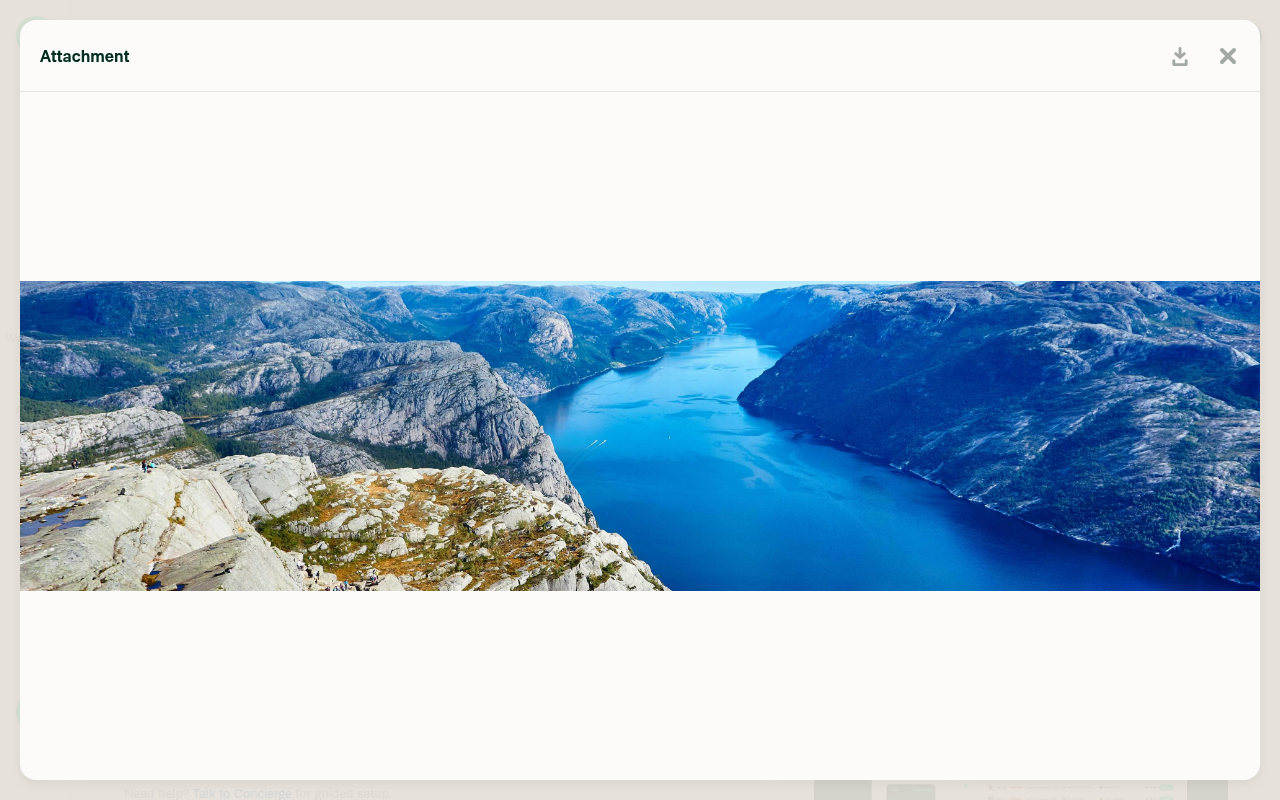
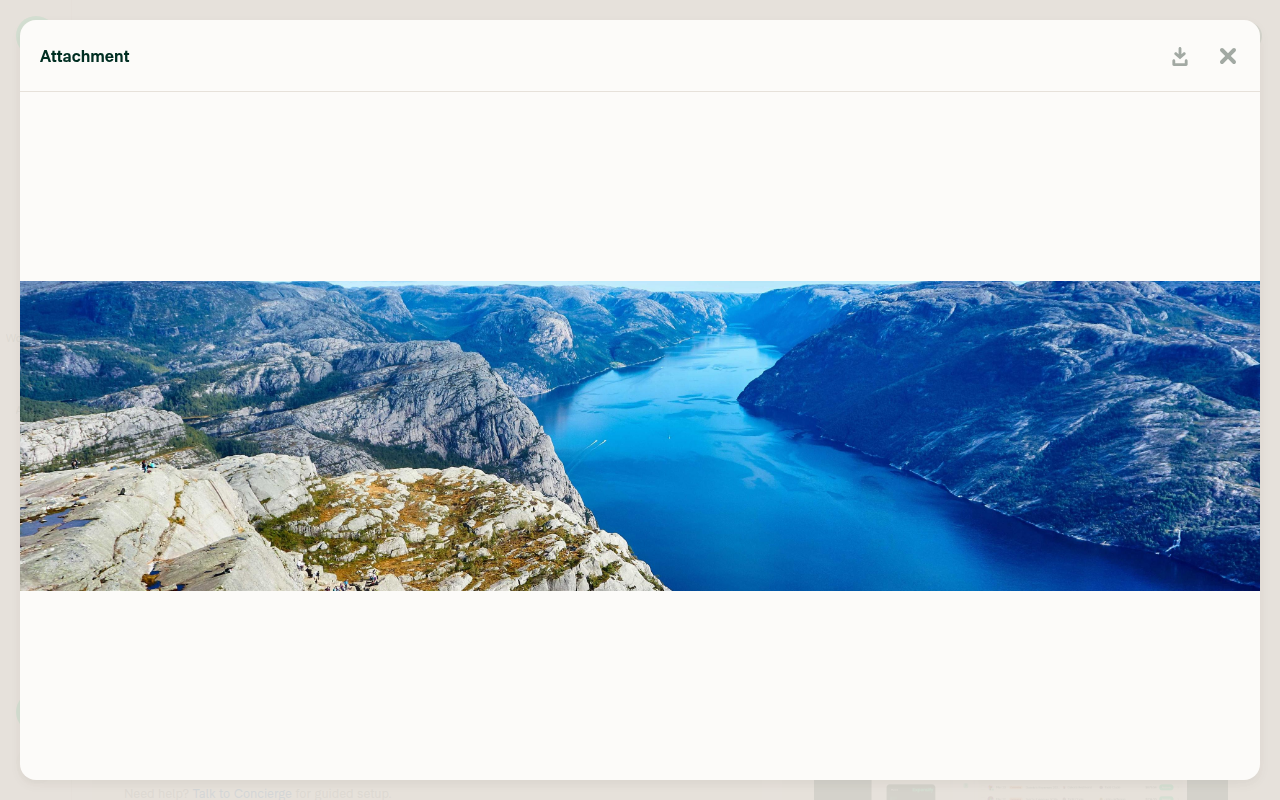
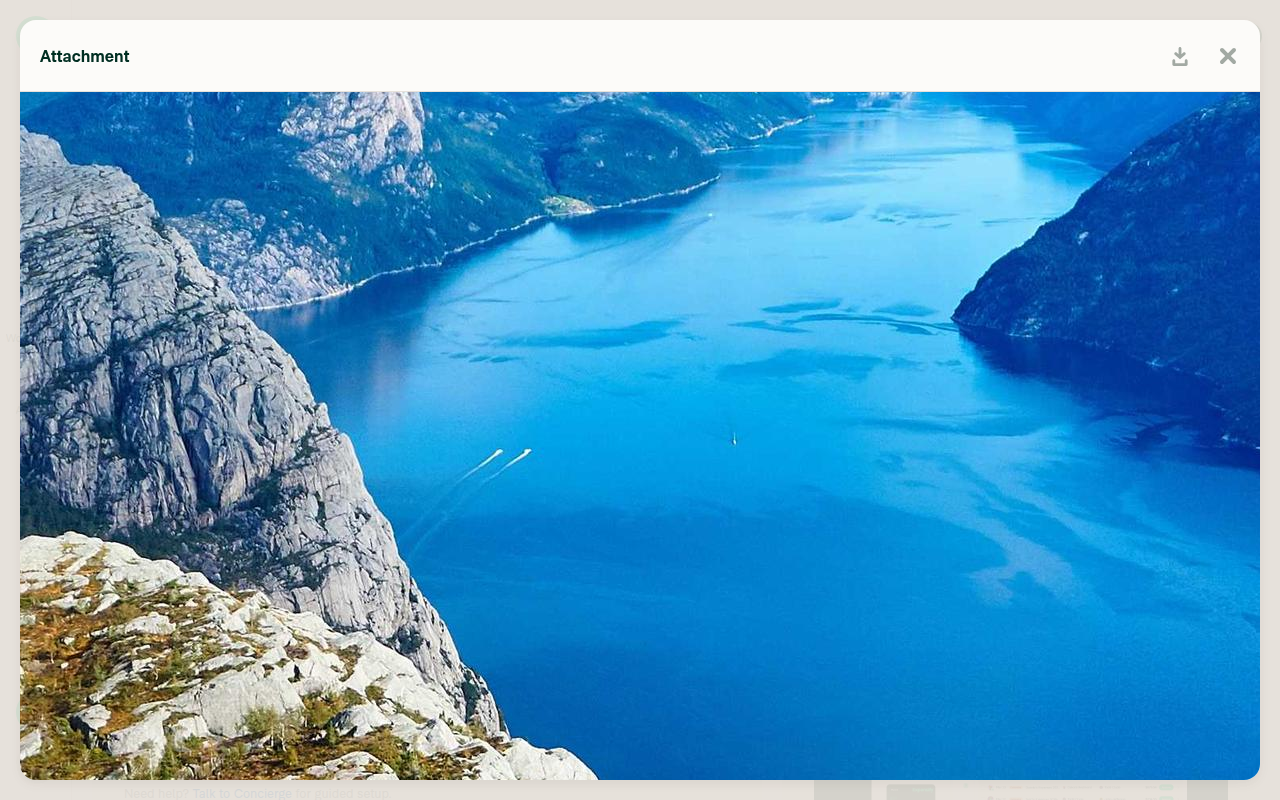
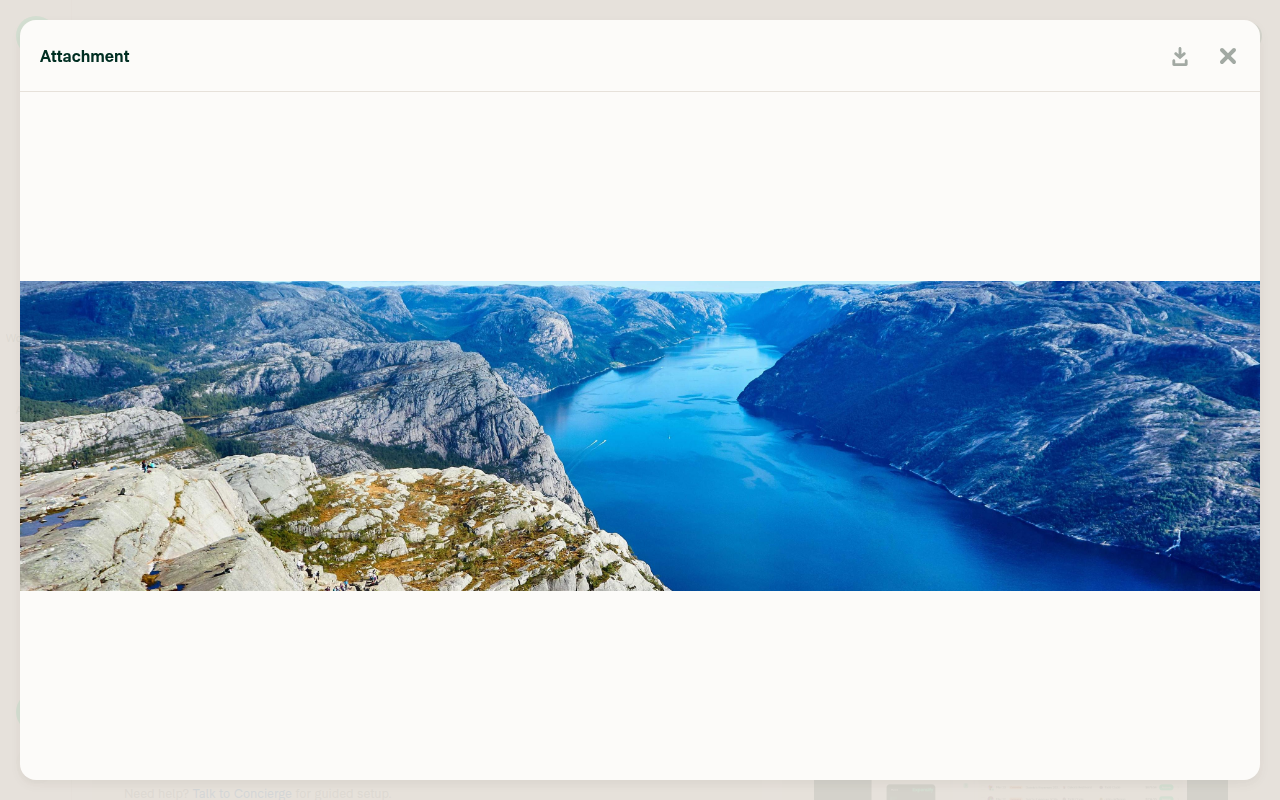

Review: 1 blocker, 4 should-fix, rest is nitsReviewed at 🔴 Blocker — scaled Skia fonts are freed while the provider is still rendering with them
const scaledValue = scaleVictoryChartContextValue(value, scale, typeface);  // allocates SkFont in render
useEffect(() => () => disposeScaledFonts(scaledValue, value), [scaledValue, value]);
return <VictoryChartContext.Provider value={scaledValue}>{children}</VictoryChartContext.Provider>;
Allocation happens in render, disposal in an effect cleanup with no setup. React does not guarantee a re-render between a cleanup and the next setup, so the cleanup frees the exact fonts This is not theoretical in dev: Also worth checking in prod: screens are wrapped in Fix: pair allocation and disposal on the same lifecycle. Either create the fonts inside the effect, or drop Why CI is green: the new tests deliberately avoid the font branch — 🟠 Should-fix1. The static renderer has no 2. Every static draw leaks a CanvasKit surface. 3. 4. The riskiest extraction has no test. Verified clean (so you know what I actually checked)
Code-quality nits (12)
Two more, low priority: Test gaps beyond the hook
I tried to verify the image-viewer zoom/pan behavior on web, but the test session white-screened during onboarding before any steps could run, so there's no runtime evidence in this review — the |


|
🚧 luacmartins has triggered a test Expensify/App build. You can view the workflow run here. |

|
✋ This PR was not deployed to staging yet because QA is ongoing. It will be automatically deployed to staging after the next production release. |
|
🧪🧪 Use the links below to test this adhoc build on Android, iOS, and Web. Happy testing! 🧪🧪
|


|
🚀 Deployed to staging by https://github.com/luacmartins in version: 9.4.81-0 🚀
|

|
🤖 Yes — help site changes were required, and I've opened a draft PR: Docs updates for E/A#97698 expand and zoom Concierge spend charts Why: this PR changes what a member can do with a Concierge spend chart after they open it full screen — the expanded chart is now re-rendered natively at its target size (so it stays sharp), and it supports zoom and pan. The help site documented only the inline chart (hover for a tooltip, select a bar to open its expenses in Search) and said nothing about the Expand icon or zooming, so neither behavior was discoverable. What changed —
How I verified the labels and behaviorWritten against The labels came from the code in this PR, not from the live UI. A web test run couldn't produce a Concierge chart on the test account (Concierge returned no reply at all after ~4.5 minutes), so nothing was screenshot-confirmed. Please double-check these when you review:
I also checked for a duplicate — no existing docs PR covers chart expand or zoom. The nearest prior one, [No QA] Docs updates for E/A#96065 interactive Concierge spend charts, added the inline hover-and-select section this PR builds on. One thing I couldn't do: GitHub rejected assigning you to the docs PR — @abbasifaizan70, please review the linked help site PR and confirm it reflects the current behavior. Then mark the linked help site PR view run · no recording available |

|
🚀 Deployed to production by https://github.com/luacmartins in version: 9.4.81-1 🚀
|
1 similar comment
|
🚀 Deployed to production by https://github.com/luacmartins in version: 9.4.81-1 🚀
|
7 participants


Explanation of Change
Re-renders the expanded chart natively at its target size (via a scaled chart context) instead of raster-upscaling the design-size render, so charts stay sharp on large screens.
Adds pinch/double-tap zoom and pan to the expanded chart using MultiGestureCanvas — the same gestures as the image attachment viewer, as agreed in the follow-up discussion on #95249.
Includes unit tests for the new context-scaling logic.
Fixed Issues
$ #92969
PROPOSAL:#92969 (comment)
Tests
Offline tests
Same as tests.
QA Steps
Same as tests.
PR Author Checklist
### Fixed Issuessection aboveTestssectionOffline stepssectionQA stepssectionAvatar, I verified the components usingAvatarare working as expected)StyleUtils.getBackgroundAndBorderStyle(theme.componentBG))npm run compress-svg)Avataris modified, I verified thatAvataris working as expected in all cases)Designlabel and/or tagged@Expensify/designso the design team can review the changes.mainbranch was merged into this PR after a review, I tested again and verified the outcome was still expected according to theTeststeps.Screenshots/Videos
Android: Native
Screen_Recording_20260825_014636_New.Expensify.Dev.mp4
Android: mWeb Chrome
Screen_Recording_20260825_015755_Chrome.mp4
iOS: Native
Screen.Recording.2026-08-25.at.12.38.37.AM.mov
iOS: mWeb Safari
Screen.Recording.2026-08-25.at.12.53.26.AM.mov
MacOS: Chrome / Safari
Screen.Recording.2026-08-22.at.5.33.50.AM.mp4